DrillPre-K to K
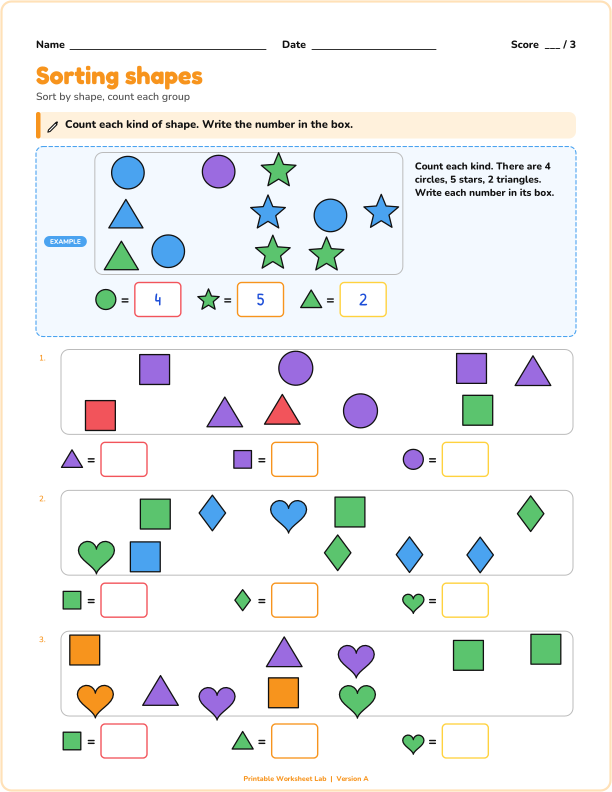
Sorting and classifying shapes
Sort a group of shapes by one attribute: count each kind, or circle every shape that matches.
Each symbol stands for 10 and half a symbol stands for 5, so students read totals such as 35 or 65.
Each symbol stands for 10 and half a symbol stands for 5, so students read totals such as 35 or 65.
You can change any of these settings above. Press "New problems" for a fresh set with the same settings, or pick Version A to Z to print different sheets for neighboring desks. The answer key always matches.
Each row of the graph shows a count as a row of symbols, and the key says how many each symbol stands for. Students count the symbols, multiply by the scale and answer questions such as how many chose one thing or how many more chose one than another.
Start with a scale of 1, then move to 2 and 5, then to 10. With a scale of 2 or 10 you can allow half symbols. Every version has different categories and numbers.
US Letter or A4, portrait: choose your paper size above. Print at 100 percent (actual size). Use "Black and white" for the copier, or "Color" for display pages and mini books.
Sort a group of shapes by one attribute: count each kind, or circle every shape that matches.
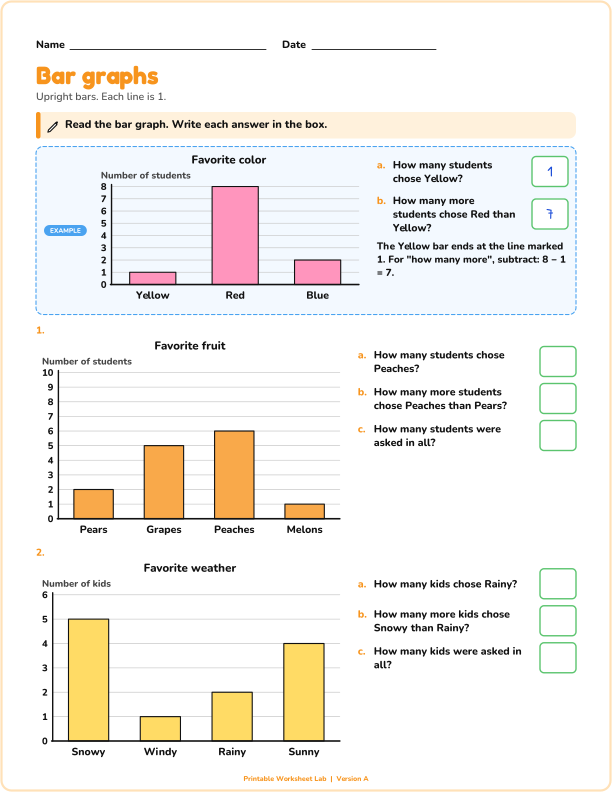
Read a bar graph and answer questions, or shade the bars to match a table.
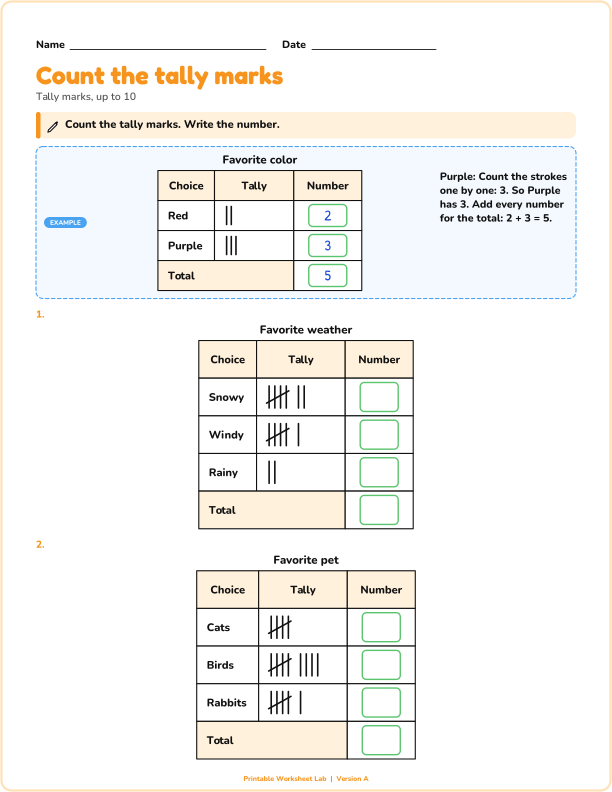
Count tally marks, draw tally marks for a number, or tally a list into a frequency table.